💻 What is a Computer?
Definition, characteristics, types, and applications of computers. Difference between computer and calculator, analog vs digital, and classification by size.
Understanding Computers
Think of a computer as an incredibly obedient assistant — it does exactly what you tell it, millions of times per second, without getting tired or making arithmetic mistakes. But unlike a human, it cannot think on its own. It only follows instructions.
The word "Computer" comes from the Latin word "computare" which means to calculate. Originally, "computer" referred to a person who performed calculations. Today, it refers to an electronic machine.
Definition: A computer is an electronic device that accepts raw data as input, processes it according to a set of instructions (program), and produces meaningful information as output.
The IPO Cycle — How Every Computer Works
Every computer, from a tiny smartwatch to a massive supercomputer, follows the same fundamental cycle:
| Stage | What Happens | Example |
|---|---|---|
| Input | Raw data enters the computer | You type "2 + 3" on keyboard |
| Process | CPU performs calculations/operations | CPU adds 2 and 3 |
| Output | Results are displayed | Monitor shows "5" |
| Storage | Results saved for later use | Answer saved to hard disk |
This is called the IPOS cycle (Input → Process → Output → Storage).
Characteristics of a Computer
What makes computers so powerful? These key characteristics:
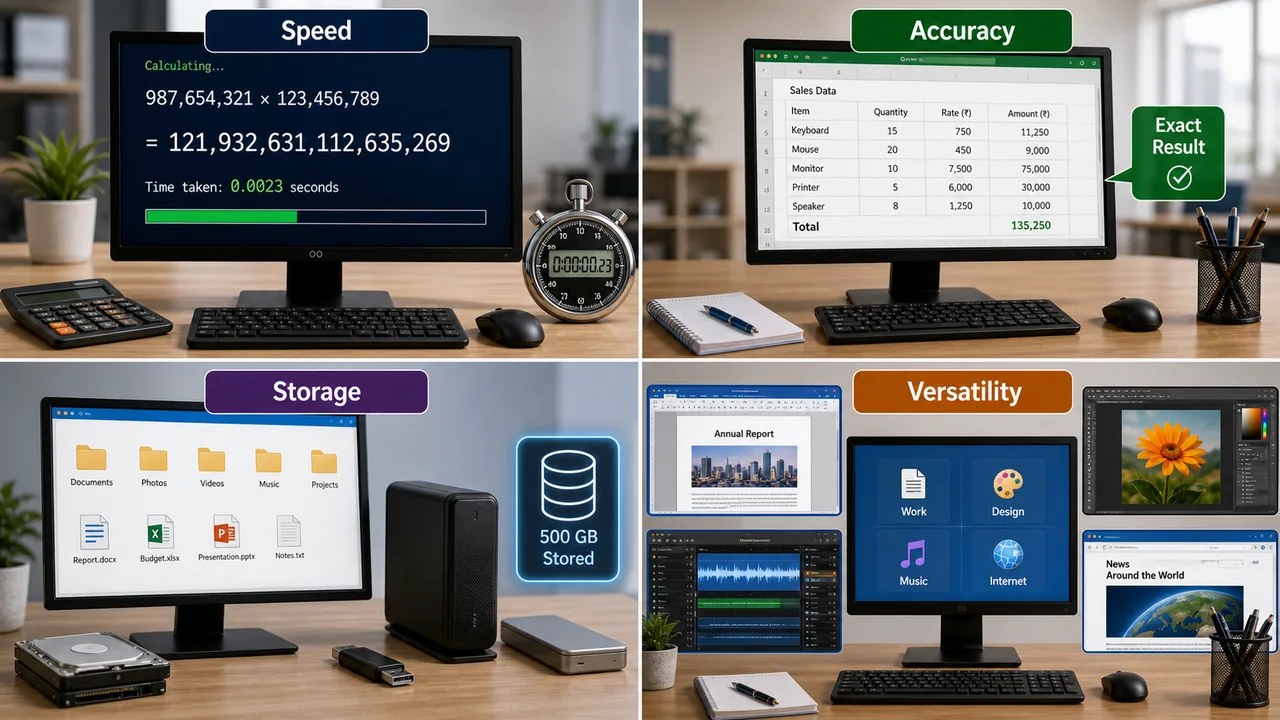
1. Speed
A computer performs millions of calculations per second. The speed is measured in:
- MHz (Megahertz) = millions of cycles per second
- GHz (Gigahertz) = billions of cycles per second
- MIPS = Million Instructions Per Second
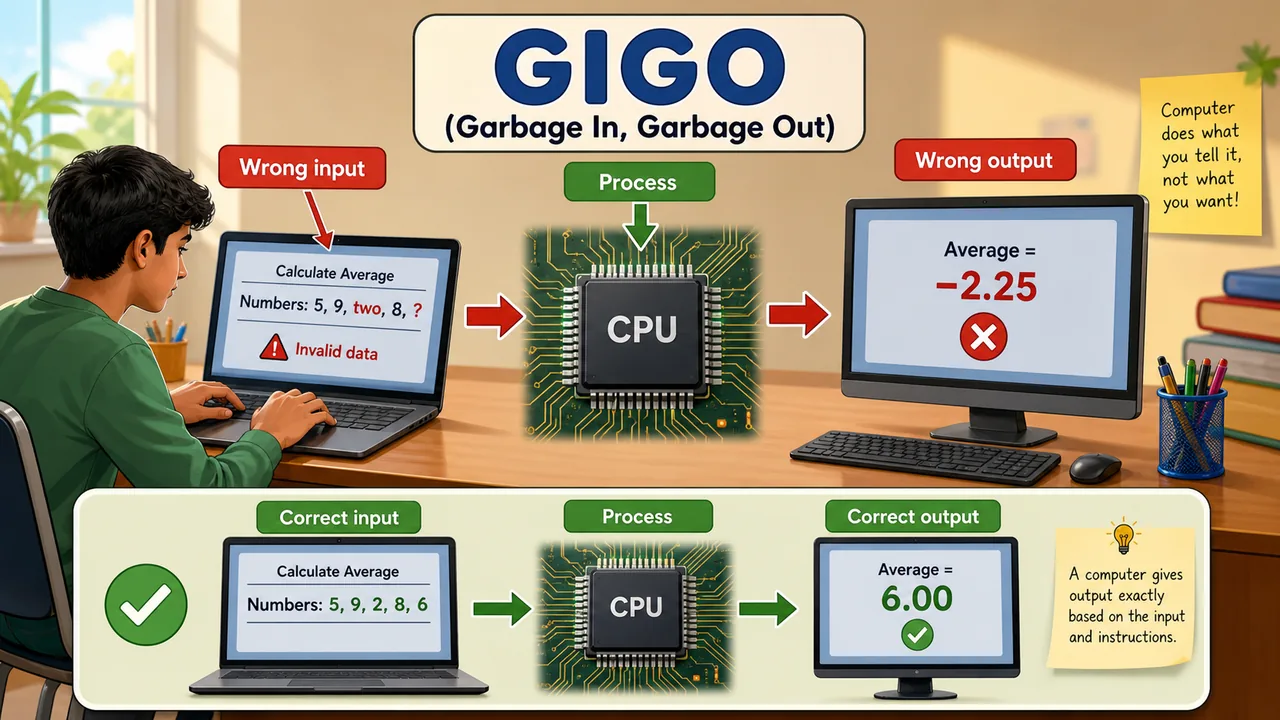
2. Accuracy
Computers are extremely accurate. They never make calculation errors on their own. If a computer gives a wrong result, it is always due to wrong input or faulty programming — this is called GIGO (Garbage In, Garbage Out).
3. Storage
A computer can store enormous amounts of data — from a few kilobytes to several terabytes. This data remains available for years and can be retrieved instantly.
4. Diligence
Unlike humans, a computer never gets tired, bored, or loses concentration. It performs the 10 millionth calculation with the same accuracy and speed as the first.
5. Versatility
The same computer can be used for typing a letter, playing a song, calculating taxes, designing a building, and browsing the internet — simply by running different software.
6. Automation
Once a program is loaded, the computer works automatically without human intervention until the task is complete.
7. No Intelligence (No IQ)
A computer has zero intelligence of its own. It cannot make decisions unless programmed to do so. It follows instructions blindly — it is the user who provides the intelligence.
Computer vs Calculator
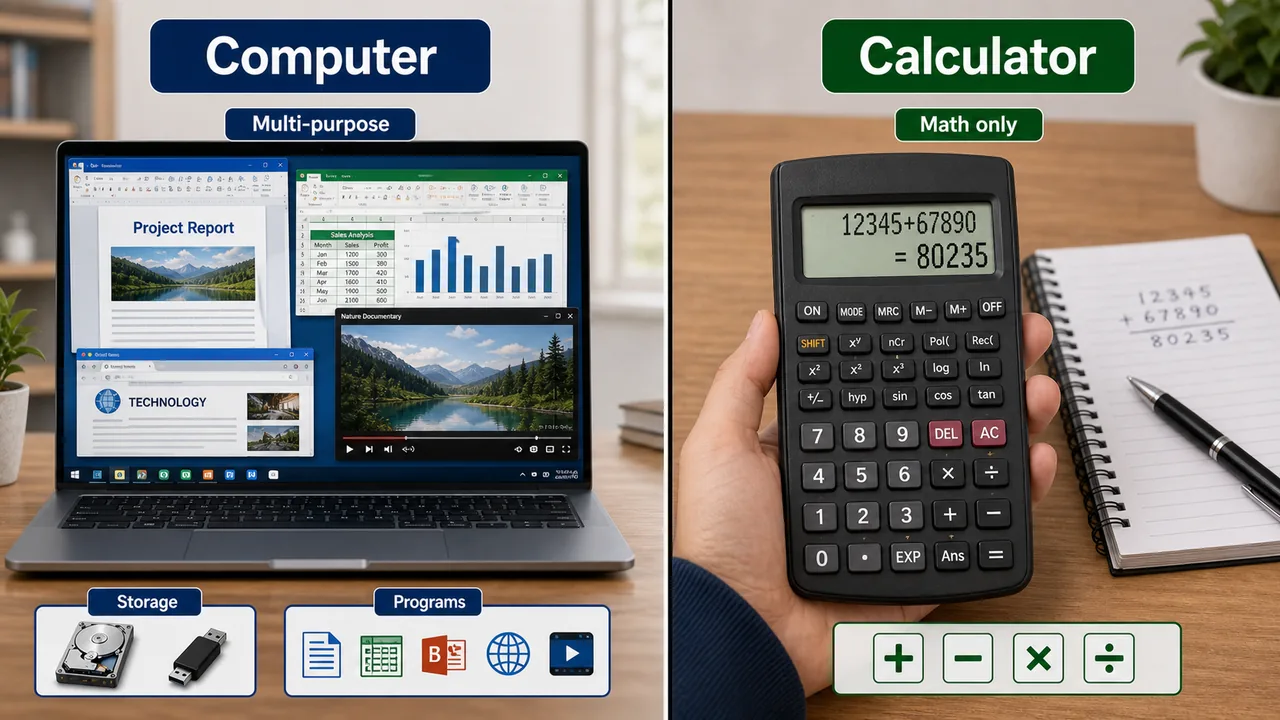
| Feature | Computer | Calculator |
|---|---|---|
| Functions | Multiple — calculate, draw, write, play music, browse | Only mathematical calculations |
| Storage | Can store large amounts of data permanently | Very limited or no storage |
| Programming | Can run different programs for different tasks | Fixed function |
| Speed | Much faster | Slower comparatively |
| Size | Varies — laptop, desktop, server | Small, handheld |
Computer vs Human Being
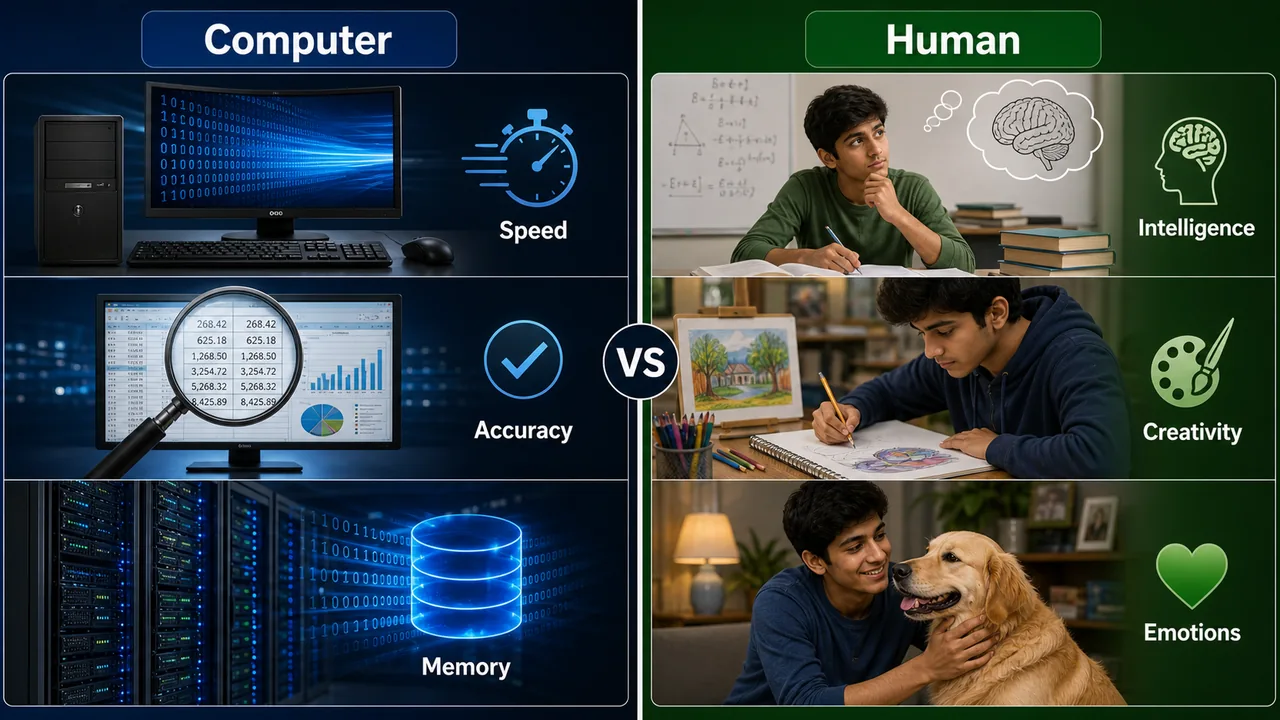
| Feature | Computer | Human Being |
|---|---|---|
| Speed | Extremely fast (billions of operations/sec) | Slow |
| Accuracy | 100% accurate (if input is correct) | Makes mistakes |
| Memory | Never forgets stored data | Tends to forget |
| Intelligence | No own intelligence (follows instructions) | Can think, reason, be creative |
| Emotions | None | Full range of emotions |
| Decision Making | Only based on programmed rules | Can make independent decisions |
| Learning | Only through AI/ML programs | Natural learning ability |
Applications of Computers
Computers are used in virtually every field today:
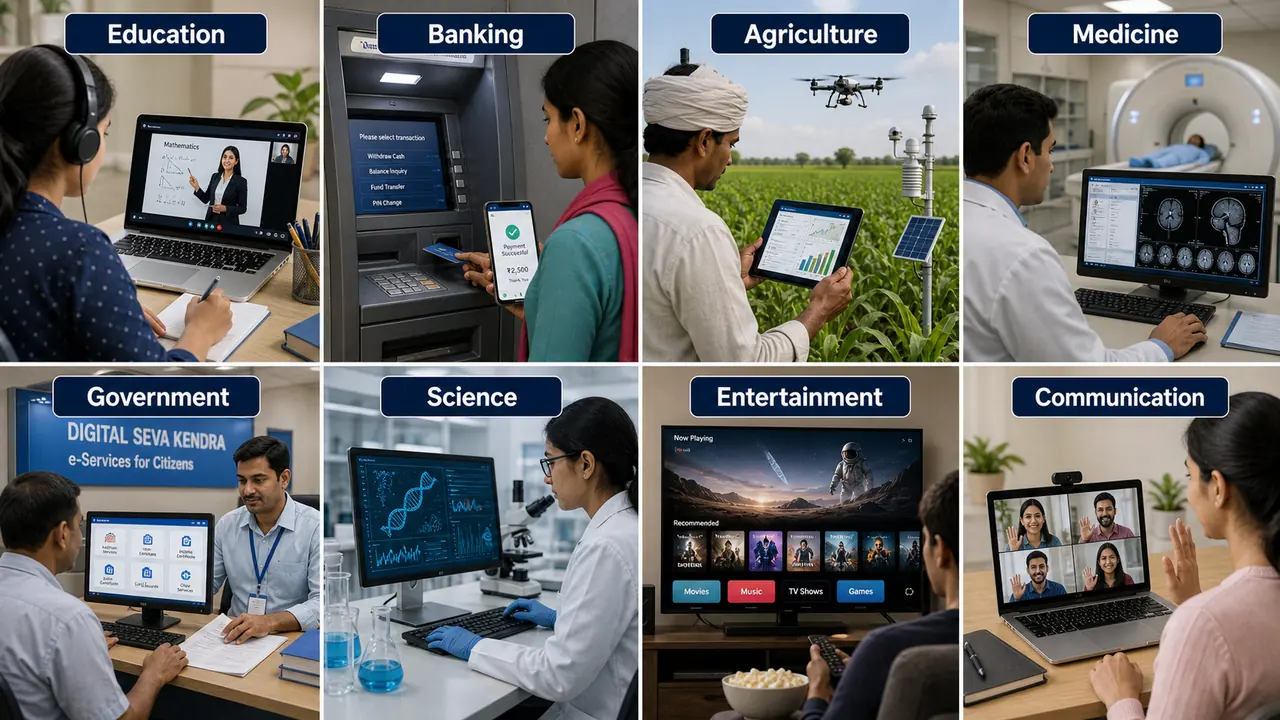
| Field | Applications |
|---|---|
| Education | Online learning, e-books, AI tutoring, virtual classrooms |
| Business | Accounting, payroll, inventory management, email |
| Banking | ATM, online banking, UPI payments, NEFT/RTGS |
| Agriculture | Soil analysis, weather prediction, crop monitoring, e-NAM |
| Medicine | CT scan, MRI, patient records, telemedicine |
| Government | e-Governance, Aadhaar, PM-KISAN, DigiLocker |
| Defence | Missile guidance, radar, communication, surveillance |
| Entertainment | Gaming, music, movies, social media |
| Science | Research simulations, data analysis, space exploration |
| Communication | Email, video calling, WhatsApp, social networking |
Limitations of Computers
Despite their power, computers have limitations:
- No Self-Intelligence — Cannot think or reason independently
- Dependent on Electricity — Requires power supply to function
- Cannot Learn from Experience — Only through AI programming
- No Feelings — Cannot understand emotions or context naturally
- Vulnerable to Viruses — Can be attacked by malicious software
- Health Hazards — Prolonged use can cause eye strain, back pain
Summary Points
| Concept | Key Details |
|---|---|
| Computer (Definition) | Electronic device: accepts input, processes data, gives output, stores results |
| Full Form Origin | Latin "computare" = to calculate |
| IPOS Cycle | Input → Process → Output → Storage |
| GIGO | Garbage In, Garbage Out — wrong input gives wrong output |
| Speed Unit | MHz (million), GHz (billion cycles/sec), MIPS |
| Key Characteristics | Speed, Accuracy, Storage, Diligence, Versatility, Automation, No IQ |
| vs Calculator | Computer is multi-purpose; calculator is math-only |
| vs Human | Computer: fast, accurate, no emotions; Human: intelligent, creative, emotional |
| Limitations | No self-intelligence, needs electricity, vulnerable to viruses |
| Agriculture Use | Soil analysis, weather prediction, e-NAM, crop monitoring |
Lesson Doubts
Ask questions, get expert answers